Intro
A free trial is the single most useful thing a TV service can offer you — and the single easiest thing to get wrong. A good trial tells you everything before you spend a penny: whether the channels you watch are there, whether sport holds up at 8pm on a Saturday, and whether support answers when something goes wrong. A bad trial tells you nothing, or worse, quietly signs you up for a subscription you never agreed to.
Most IPTV providers offer some kind of free trial, usually 24 hours, sometimes 48 hours, and occasionally a full week. The length is not the whole story. What matters is what the trial actually includes, what it asks for in return, and whether it gives you enough time to test the service properly.
This guide compares the 24-hour, 48-hour and 7-day trials you will find in the UK in 2026, explains what to test, and flags the catches that turn a "free" trial into an expensive mistake.
The short answer
A 24-hour free trial is enough to test an IPTV service properly — if you use the time well. You can check the channel list, watch live sport at peak time, try films on demand, and test the service on every device in your house. A 48-hour trial adds breathing room if you cannot test everything in one evening. A 7-day trial sounds better but is rarely necessary, and it is the length most often attached to catches: card details upfront, automatic charges, or a limited channel list.
The best trial gives you full access, asks for no card details, and starts instantly. Streampia's free 24-hour trial works exactly like that — full access to 13,000+ live channels and 120,000+ films and series, no card required, activated over WhatsApp in minutes. You can read the full details in our free trial guide; if you decide to stay, Streampia plans start at £11.99 a month.
What is an IPTV free trial, really?
A free trial is a short period — usually a day — during which a provider lets you use the full service without paying. You get login details, load them into an app such as IPTV Smarters Pro or TiviMate, and watch exactly what a paying customer watches. When it ends, access stops unless you subscribe.
That is how a genuine trial works. But not every offer labelled "free trial" is the same thing. Some trials only include a handful of channels. Some ask for your card details first and charge you automatically when the trial ends. Some make you wait hours for activation, which eats into the trial itself. And some "trials" are really just a money-back guarantee — you pay first, then ask for a refund.
Before you sign up for any trial, check four things: whether it includes the full channel list, whether it asks for payment details, how quickly it is activated, and what happens when it ends. If any answer is unclear, that is a warning sign in itself.
24 hours vs 48 hours vs 7 days
The three trial lengths you will see most often differ in more than just time. Here is how they compare.
| Trial length | Enough time to test? | Usually full access? | Card details asked? | Best for |
| 24 hours | Yes, if you plan it | Usually yes | Rarely | Most people — one focused evening |
| 48 hours | Yes, comfortably | Usually yes | Sometimes | Testing across two evenings |
| 7 days | More than enough | Often limited | Often | Slow testers — watch for auto-charge |
A 24-hour trial is the industry standard: long enough to test everything that matters, and short enough that providers can offer it freely. The catch is that you need to use it properly. A trial that starts at 11pm and expires before the next evening's football is wasted.
A 48-hour trial is the comfortable middle ground. It lets you test on a normal evening and again on a busy match night, when streaming services are under the most strain. If you can only test in the evenings, 48 hours is genuinely useful.
A 7-day trial sounds like the best deal, but it is the one to read most carefully. Longer trials are the most likely to ask for card details upfront, convert into a paid subscription automatically, or restrict the trial to a smaller channel list with no sport or films on demand. A 7-day trial with full access and no card required is a great offer; one with card details and a limited channel list is not.
What to test during your trial
A trial is only useful if you actually test the service. Work through this checklist before it runs out, and you will know whether the service is worth paying for.
- Check your must-have channels first. Search for the channels you watch every week — and open them. A channel that appears in the list but never loads is worth nothing.
- Watch live sport at peak time.
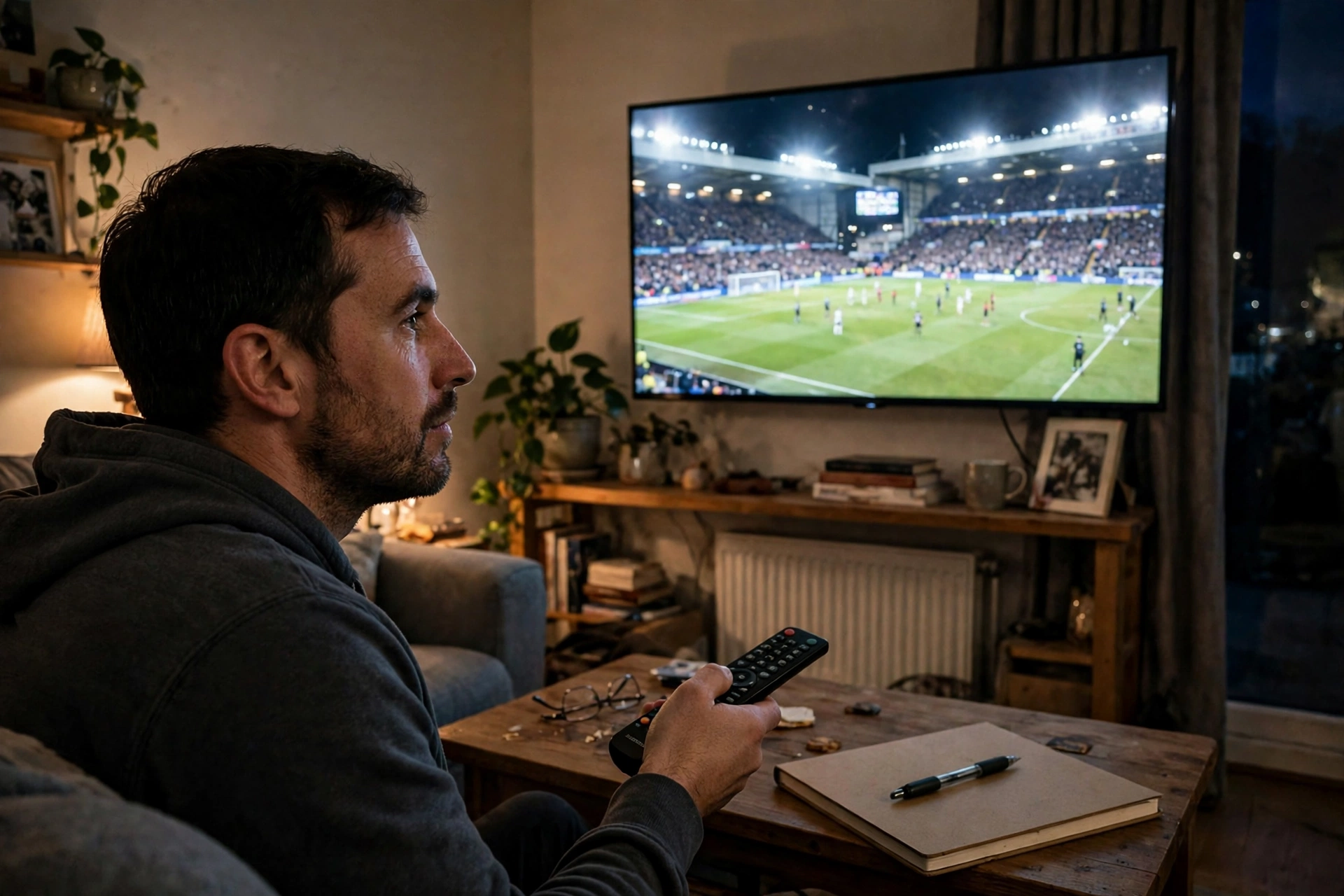 This is the single most important test. Streams that look perfect at 2pm on a Tuesday can fall apart at 8pm on a Saturday. If your trial covers a match night, use it. Our guide to the best IPTV for sports in the UK explains what to look for during a live game.
- Try films and series on demand. Play something recent from the on-demand library. Check that films actually start, the picture is sharp, and series have the episodes you expect. A big VOD number means nothing if half the titles do not play.
- Test every device in your house.
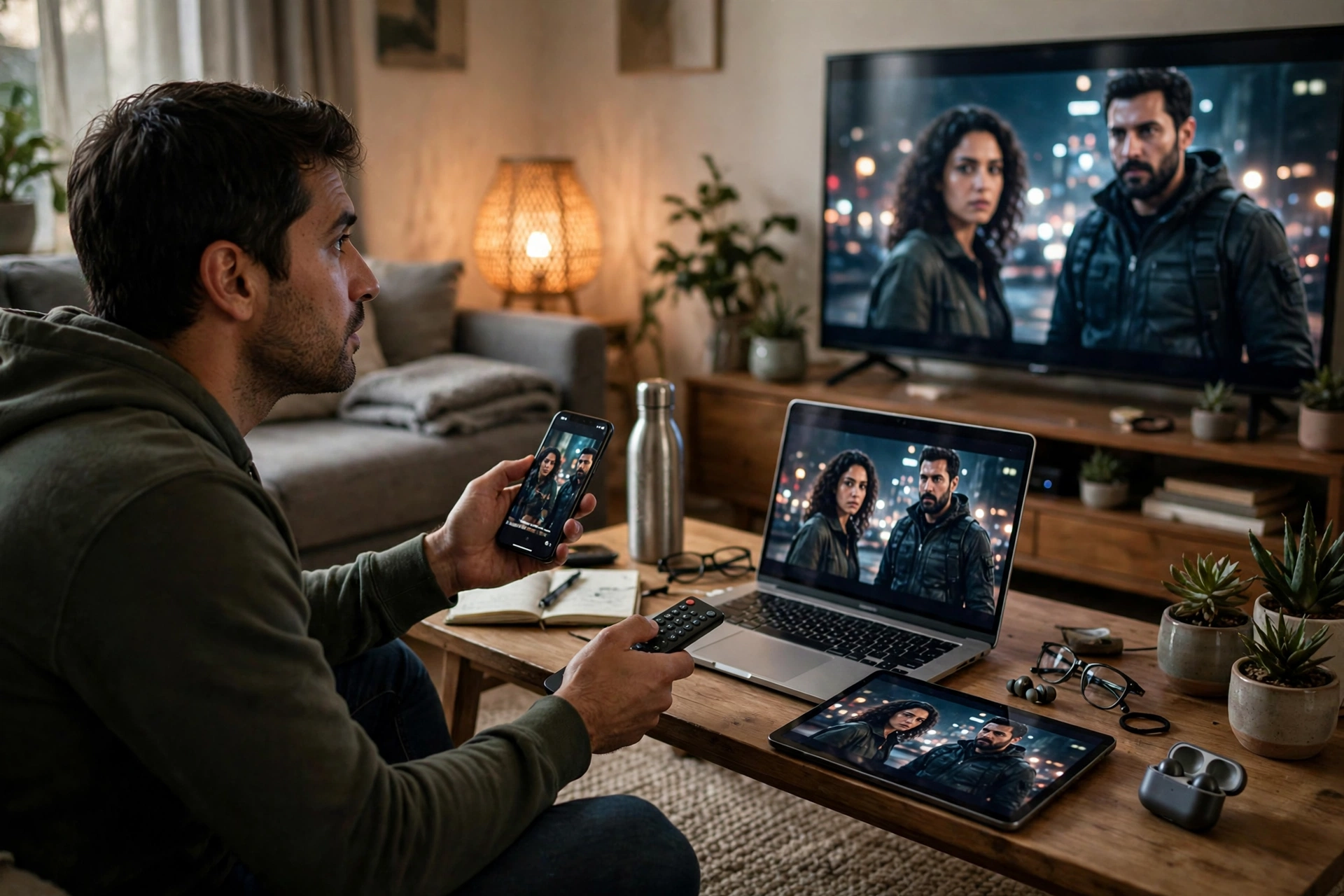 A service can work perfectly on your Firestick and fail on your Samsung TV. Load the trial on each device you plan to use — Firestick, smart TV, phone, tablet or laptop — and check that the app, guide and streams all behave. Our IPTV Smarters Pro setup guide walks through the process step by step.
- Check the programme guide. Open the programme guide and see whether it is populated. A blank or half-empty guide makes channel surfing miserable. Our TiviMate vs Smarters comparison explains which apps show the guide best.
- Message support with a question. Send support a simple question and see how fast — and how helpfully — they reply. You are testing the service you will rely on when something goes wrong at 9pm on a Saturday.
- Test your internet, not just the service. If a stream buffers, check whether the problem is the service or your connection. Our IPTV buffering fix guide covers the quick checks, and a trial is the right time to find out whether your broadband can handle 4K streaming.
The hidden catches to watch for
Free trials attract a few traps. None of them is hard to spot once you know what to look for.
- Card details upfront. A trial that asks for your card before you have watched a single minute is not really free — it is a subscription with a delayed first payment, and you are charged if you forget to cancel. Genuine free trials, including Streampia's, do not need your card at all.
- Automatic conversion. Some trials convert into a paid plan the moment they expire, with no reminder. Check the terms first, and if the trial asks for payment details, set a reminder to cancel before it ends.
- Limited channels in the trial. A trial with only a subset of channels cannot tell you whether the full service is any good. Ask whether it includes the full channel list, the full VOD library and live sport — if not, treat it as a demo, not a test.
- Slow activation. A 24-hour trial that takes six hours to activate is really an 18-hour trial. Activation should take minutes, not hours.
How Streampia's free trial works
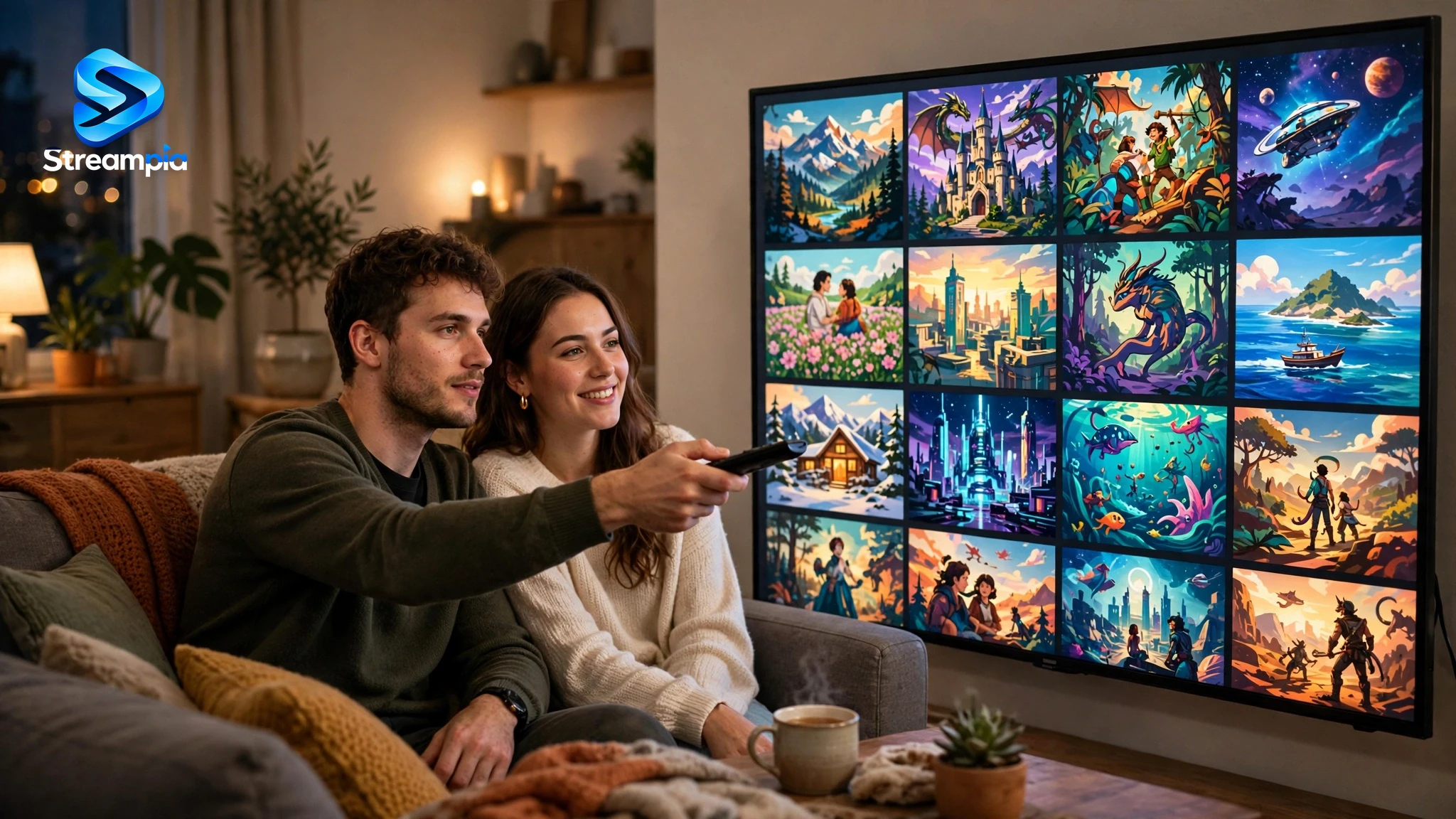
Streampia offers a free 24-hour trial with full access — the same 13,000+ live channels, 120,000+ films and series on demand, and up to 4K quality that paying customers get. No card required, no payment taken, and no automatic conversion into a paid plan. When the 24 hours end, access simply stops unless you decide to subscribe.
Getting started takes minutes. Contact us on WhatsApp via streampia.com, tell us you would like the free trial, and we will send you your login details. Load them into IPTV Smarters Pro, TiviMate or your player of choice and you are watching. The trial runs for a full 24 hours from activation, so start it when you have an evening free and a match or film night to test it with.
Full details are in our free trial guide for UK viewers.
What happens after the trial ends?
If you like what you see, Streampia plans start at £11.99 for one month. Longer plans work out cheaper per month: 3 months at £29.99, 6 months at £63.99, and 12 months at £95.99. Every plan includes the same 13,000+ channels, 120,000+ on-demand titles, 4K quality and 99.9% uptime, with support available around the clock. See the full breakdown on our pricing page.
If you decide not to continue, nothing happens. No charge, no cancellation process. The trial simply ends — that is how a free trial should work.
Frequently asked questions
Is a 24-hour IPTV trial long enough?
Yes, for most people. Twenty-four hours is enough to check your must-have channels, watch live sport at peak time, test films on demand and try the service on every device — as long as you start the trial when you have time to test it. If you can only test in the evenings, start the trial in the afternoon so it covers two evenings.
Do I need to give card details for a free IPTV trial?
No — not for a genuine free trial. Streampia's trial needs no card at all. Any trial that asks for card details upfront is a subscription with a delayed first payment, and it will charge you automatically if you forget to cancel.
What is the difference between a free trial and a money-back guarantee?
A free trial costs nothing and asks for no payment. A money-back guarantee means you pay first and claim a refund if you are not happy — which depends on the provider honouring it. A trial is the safer way to test a service, because there is nothing to get back.
Can I try IPTV on Firestick before paying?
Yes. Start the free trial on your Firestick, load the login details into IPTV Smarters Pro or TiviMate, and test it on the same screen you will actually watch on. Our setup guides explain how to install and sign in on Firestick in about five minutes.
Which free IPTV trial is the best in the UK?
The best trial is one that gives you full access to the real service, needs no card details, activates in minutes, and ends cleanly without charging you. Length matters less than honesty: a full-access 24-hour trial tells you more than a restricted 7-day trial ever will.
The bottom line
A free trial is your best protection against paying for a service that does not deliver. Use it properly: test your must-have channels, watch live sport at the busiest time, try films on demand and test every device. Watch for the catches — card details upfront, automatic charges, limited channels and slow activation — and walk away from any trial that hides them.
If you want to test Streampia, the free 24-hour trial is ready when you are. Contact us on WhatsApp via streampia.com, and we will get you watching in minutes — no card, no commitment, and no charge if you decide it is not for you. Streampia plans start at £11.99 a month, with 3, 6 and 12-month options on our pricing page.
Try Streampia Free for 24 Hours
No card required — 13,000+ live channels and 120,000+ movies & shows in 4K.
Claim Free Trial on WhatsApp