
The Best IPTV for Sports in the UK (2026)
If you follow sport in the UK, you already know the problem. The football you want is split across two broadcasters, the cricket is somewhere else entirely, and the boxing is pay-per-view. By the time you have added everything up, you are paying more for sport than you ever planned to. This guide explains how UK sports fans actually watch live sport in 2026, what it really costs, and what to look for in an IPTV service for sport.
What Makes an IPTV Service Good for Sport?

Not every IPTV service is built with sport in mind. A service can have thousands of channels and still be useless on a Saturday afternoon if the sports streams buffer, the programme guide is wrong, or the picture drops to standard definition the moment a big match starts. Check these five things before you judge any service.
Live sports coverage that matches what you watch. The UK sports calendar is dominated by football, but a good line-up also covers Formula 1, cricket, rugby, boxing, darts, golf, tennis and American sports.
Picture quality in 4K. Sport is the one type of TV where quality matters most. Look for a service that streams in 4K where the channel supports it. A stable 25 Mbps is a sensible minimum for 4K sport; 50 Mbps or more is better for a busy household.
Anti-freeze technology and a stable stream. Nothing ruins a match like the picture freezing just as a goal goes in. Anti-freeze technology and well-managed servers are what separate a service that holds up during a derby from one that falls apart when millions tune in at once.
A proper electronic programme guide (EPG).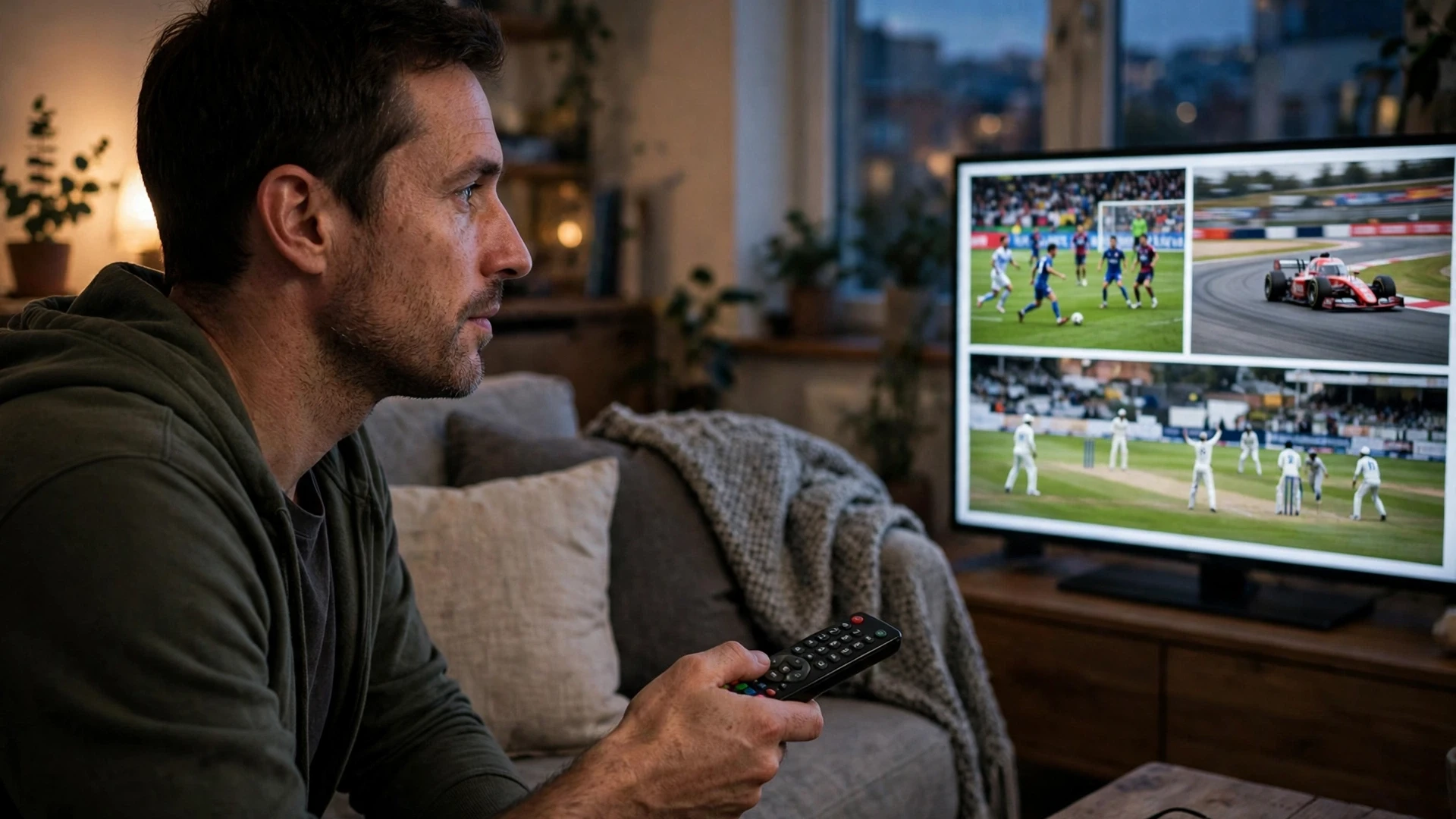 With dozens of sports channels, you need a guide that tells you what is on and when, shows kick-off times, and works inside the player app.
Catch-up and recording. Life does not always fit around kick-off times. Catch-up TV and recording let you watch a match you missed without dodging spoilers all evening.
Where to Watch UK Sport in 2026
Understanding the UK sports rights picture helps you see why so many fans look for a single service that brings everything together. For the 2025-26 season onwards, live Premier League football in the UK is split between two broadcasters under a record £6.7 billion deal that runs until the end of the 2028-29 season.
Sky Sports shows at least 215 Premier League matches a season, including Sunday afternoon games, Friday and Monday night fixtures and three midweek rounds. TNT Sports shows 52 matches, including every Saturday 12.30pm kick-off and two midweek rounds. Amazon Prime Video, which used to show around 20 matches a season, did not win any rights in the new deal, so there is no Premier League football on Amazon from the 2025-26 season onwards.
TNT Sports also holds the UK rights to the UEFA Champions League, the Europa League and the FA Cup, plus Premiership Rugby, MotoGP and UFC, while Sky Sports covers the EFL, Formula 1, cricket, golf, darts and the NFL. The Saturday 3pm blackout still applies, so no live 3pm Saturday kick-off is shown on UK television. Even so, up to 270 live matches a season are now broadcast. If you want to watch all of them through the traditional broadcasters, you need both Sky Sports and TNT Sports, and that is where the cost starts to add up.
The True Cost of Watching Every Sport
Here is what it costs to watch all live Premier League football in the UK without a contract, using the two official broadcasters, based on prices checked in November 2026.
| Option | Monthly cost | What you get |
| NOW Sports membership | £34.99 | All Sky Sports channels, no contract |
| TNT Sports on HBO Max | £30.99 | All TNT Sports channels, no contract |
| Both together | £65.98 | Every live Premier League match |
| TNT Sports 12-month Saver | £25.99 | Same TNT Sports channels, annual commitment |
That £65.98 a month covers the Premier League only. It does not include a TV licence, which costs £180 a year from 1 April 2026, or the pay-per-view boxing cards. Over a full season, following your sport through separate subscriptions can easily pass £800 a year.
This is the honest reason many UK sports fans look at IPTV. A single subscription that brings live sport together in one place costs a fraction of stacking separate sports passes, with no long contract. Streampia's plans start at £11.99 for one month, with 3-month, 6-month and 12-month options at £29.99, £63.99 and £95.99, covering 13,000+ live channels and 120,000+ films and series on demand in up to 4K quality, with a 99.9% uptime standard. You can see the full plans on our pricing page.
What You Get With Streampia for Sport
Streampia is built around the way sports fans actually watch. Here is what matters on match day.
13,000+ live channels. The line-up includes dedicated sports channels covering football, cricket, rugby, Formula 1, boxing, darts, golf, tennis and more, alongside international sports channels for fans who follow leagues from other countries.
120,000+ films and series on demand. When there is no live sport on, the same subscription covers a huge on-demand library, so you are not paying for a sports-only service that sits idle between matches.
4K picture quality. Live sport streams in up to 4K where the channel supports it, with anti-freeze technology to keep the picture steady during the busiest viewing hours.
99.9% uptime. Streampia's streams are built to stay up when it matters, including Saturday afternoons and Champions League nights.
Works on the devices you already own. Firestick, Android TV, Samsung and LG smart TVs, Android and Apple phones and tablets, Windows and Mac computers. Setup takes about five minutes, and our step-by-step IPTV Smarters Pro setup guide walks through the whole thing.
A free 24-hour trial. Test the service on a real match day before spending anything. A trial on a Saturday, when the football is on, tells you more about a service than any sales page ever will. Find out how it works in our free trial guide.
How to Set Up IPTV for Sport in 5 Minutes
You do not need new hardware to start watching sport with IPTV. Most fans use a Firestick or an Android TV device they already own.
First, install a player app. IPTV Smarters Pro is the player we recommend to most new customers because it is simple, stable and has a proper programme guide built in. TiviMate is the favourite for Android TV users who want a more traditional TV feel. Our guide to the best IPTV apps in 2026 compares the main options by device, price and features.
Second, add your login details. After you subscribe or start a free trial, you receive Xtream Codes login details. Enter them in the player app once, and your channels, programme guide and on-demand library load automatically.
Third, find your sport. Open the programme guide, pick your competition, and check the picture quality before kick-off. For 4K, use a wired ethernet connection or sit close to your router.
If anything looks wrong during setup, our IPTV Smarters Pro setup guide covers every step in plain language, and our support team answers on WhatsApp seven days a week.
How to Stop Buffering During Big Matches
Buffering is the number one complaint sports fans have about streaming, and it almost always strikes at the worst moment. Most buffering has a quick fix.
- Check your internet speed first. Run a speed test on the device you watch on, not on your phone in another room. For 4K sport you want at least 25 Mbps on that device. If your speed is fine on your phone but poor on the TV, the problem is your Wi-Fi signal, not the stream.
- Use a wired connection for big matches. An ethernet cable between your router and your Firestick or TV removes the most common cause of match-day buffering. If a cable is not practical, a Wi-Fi extender in the same room as the TV is the next best thing.
- Clear the player app cache. Player apps store temporary data that builds up over time. Clearing the cache in your Firestick or Android settings takes thirty seconds and fixes a surprising number of freezing problems.
- Lower the quality if the connection is struggling. A smooth HD stream beats a freezing 4K stream every time. Drop the quality one step and enjoy the match instead of watching a loading wheel.
We have a full guide to fixing IPTV buffering with nine proven fixes if you want the complete checklist.
Sport Beyond Football
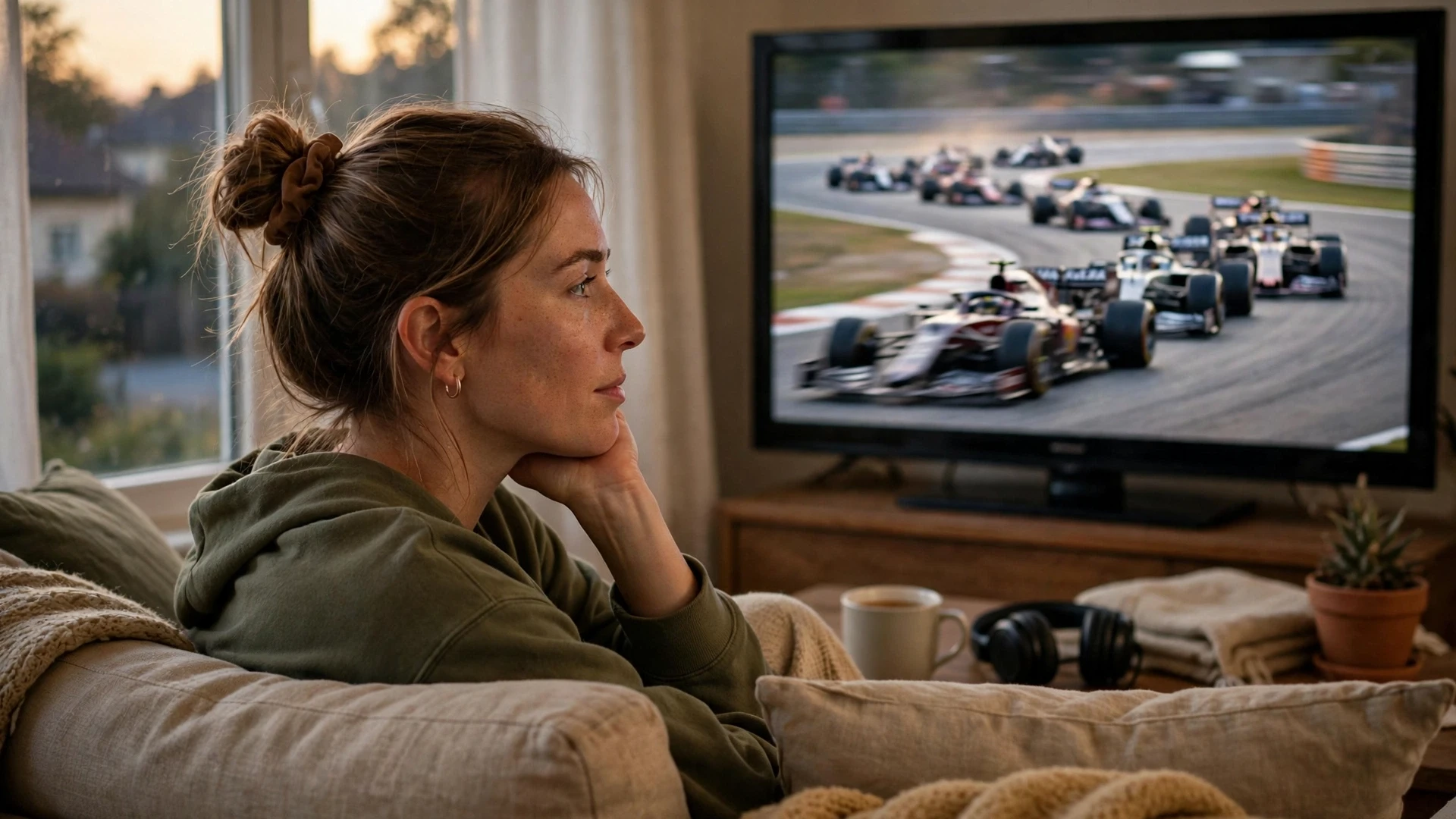
Football dominates the UK conversation, but it is not the only reason fans choose an IPTV service for sport. Formula 1 runs from March to December, cricket fills the summer, and boxing's biggest nights are genuine events that friends gather to watch. A single subscription covering all of these is hard to find through the traditional broadcasters, because the rights are scattered. With 13,000+ live channels, Streampia's sports coverage goes far beyond one league or one country.
Is IPTV Legal for Watching Sport in the UK?
This is a fair question, and it deserves an honest answer. IPTV itself is simply a technology: television delivered over the internet. The technology is legal. What matters is whether the service you use has the rights to the content it shows, and that is something you should ask any provider directly before you pay. We explain the full picture in our guide to whether IPTV is legal in the UK. Read it before you choose any service, including ours.
Frequently Asked Questions
What is the best IPTV for sports in the UK?
The best IPTV for sports in the UK has broad live sports coverage, 4K quality, anti-freeze technology, a proper programme guide and a free trial so you can test it on a real match day. Streampia covers 13,000+ live channels including dedicated sports channels, streams in up to 4K, and offers a free 24-hour trial.
Can I watch the Premier League with IPTV?
Yes. Live Premier League football in the UK is shown by Sky Sports and TNT Sports, and an IPTV service with a full sports line-up brings those matches together in one place. The Saturday 3pm blackout still applies, so no live 3pm Saturday kick-off is shown on UK television through any route.
How much does it cost to watch all Premier League football in the UK?
Without a contract, watching every live Premier League match through the official broadcasters costs £65.98 a month: NOW Sports at £34.99 plus TNT Sports at £30.99. A 12-month TNT Sports Saver plan brings the TNT side down to £25.99 a month. Streampia's plans start at £11.99 a month.
Does IPTV work in 4K for live sport?
Yes, if both the service and your connection support it. Streampia streams live sport in up to 4K where the channel supports it. You need a stable connection of at least 25 Mbps for 4K, and a wired ethernet connection gives the most reliable result on match days.
Which app should I use to watch sport on IPTV?
IPTV Smarters Pro is the easiest starting point for most fans, with a built-in programme guide and simple setup on Firestick, Android and smart TVs. TiviMate is the best choice for Android TV users who want a more traditional TV interface. Our best IPTV apps guide compares them in detail.
Ready to Watch?
If you are paying £65.98 a month just for the Premier League, or juggling three different apps to follow your sport, it is worth testing a simpler setup. Streampia gives you 13,000+ live channels, 120,000+ films and series, 4K quality and 99.9% uptime from £11.99 a month, with no long contract.
Try it free for 24 hours first. Test it on a Saturday when the football is on and see whether it holds up during a big match. If it works for you, pick a plan on our pricing page. If you have questions first, contact us on WhatsApp via streampia.com and we will help you get set up.
Try Streampia Free for 24 Hours
No card required — 13,000+ live channels and 120,000+ movies & shows in 4K.
Claim Free Trial on WhatsApp