Intro
If you have just bought an IPTV subscription, the next question arrives fast: which app do you actually watch it in? For most people in the UK, the choice comes down to two names — TiviMate and IPTV Smarters Pro. Both are players, not services. Neither one includes a single channel. You load your subscription into them, and they turn a raw channel list into something that feels like proper television.
TiviMate is the polished, TV-first option with a paid Premium tier. IPTV Smarters Pro is the free, works-everywhere option that runs on almost any screen you own. This guide compares them head to head, so you can pick the right one. If you want to look beyond these two, see our guide to the best IPTV apps of 2026.
The short answer
Choose TiviMate if you watch mainly on a Firestick or Android TV, you want the best-looking TV guide and the smoothest remote-control experience, and you do not mind paying around $9.99 a year (or about $33.99 once for a lifetime licence) for Premium. Choose IPTV Smarters Pro if you want a free app, you watch on more than one type of device — say a Samsung TV, an iPhone and a laptop — or you want multiple playlists and multi-screen viewing without paying for a player licence. Both apps play the same streams. The difference is the experience around them, and the devices they run on.
What is TiviMate?
TiviMate is an IPTV player built specifically for the big screen. It runs on Android TV, Google TV, Amazon Fire TV and Android phones, and it is designed from the ground up to be driven with a remote control. Menus are large, the programme guide fills the screen, and channel surfing feels like using a proper set-top box.
The free version gives you one playlist and a basic TV guide — enough to try it out. The real app is TiviMate Premium: multiple playlists, favourites, catch-up TV, recording, multi-view, backup and restore, and parental controls. Premium costs around $9.99 a year, or about $33.99 as a one-off lifetime payment, and one licence covers up to five devices. One catch: you cannot buy Premium inside TiviMate itself — you buy it through a separate app called TiviMate Companion, on an Android phone or tablet, using Google Play billing. The annual plan usually includes a short free trial.
What is IPTV Smarters Pro?
IPTV Smarters Pro is the other giant of the IPTV player world, and its biggest selling point is simple: it is free, and it runs on almost everything. Android, iOS, Apple TV, Samsung and LG smart TVs, Windows, Mac, Fire TV — if it has a screen, there is a good chance Smarters Pro has a version for it. That makes it the natural choice if your household mixes Apple and Android devices, or if you watch on a Samsung TV with no streaming stick attached.
You sign in with an Xtream Codes API login or an M3U playlist URL from your provider, and the app loads your live channels, films, series and programme guide automatically. Multiple playlists, favourites, catch-up and an electronic programme guide are all included free. On Android, it also offers recording and a multi-screen mode showing up to four streams at once. The trade-off is that the standard build shows ads — banner ads in the menus, sometimes an interstitial when you open the app. Some builds offer a small one-time unlock, roughly $5–$10, but you can run the standard version indefinitely at no cost. Like TiviMate, Smarters Pro is a player only. It carries no channels of its own.
TiviMate vs Smarters: the head-to-head table
| Feature | TiviMate | IPTV Smarters Pro |
| Price | Free (1 playlist); Premium ~$9.99/yr or ~$33.99 lifetime | Free (ads in standard build) |
| Devices | Android TV, Fire TV, Google TV, Android phones | Android, iOS, Apple TV, Samsung, LG, Windows, macOS, Fire TV |
| Multiple playlists | Premium only | Yes, free |
| Programme guide | Excellent full-screen grid | Good, list and grid views |
| Catch-up TV | Premium | Yes, free |
| Recording | Premium | Yes on Android, limited elsewhere |
| Multi-screen | Multi-view on supported devices | Up to 4 streams on Android |
| Favourites | Premium | Yes, free |
| Ads | None | Yes, in the standard build |
| Devices per licence | Up to 5 (Premium) | Unlimited installs; streams limited by your subscription |
The table tells the story at a glance. TiviMate charges for the good stuff but polishes it. Smarters Pro gives you the good stuff free, on far more devices, and pays for it with ads and a slightly less refined feel.
Price: what you actually pay
Here is the part people get wrong most often. Neither app is your TV subscription. Both are just the player. The channels come from a separate IPTV service, and that is what you actually pay a monthly or yearly fee for.
With TiviMate, the free version costs nothing and lets you load one playlist with a basic guide — genuinely enough to decide whether you like it. Premium is around $9.99 a year, or about $33.99 once for a lifetime licence, which pays for itself in under four years if you keep using it. Prices are set by the developer through Google Play and can vary a little by region, so check the figure shown in TiviMate Companion before you pay. With IPTV Smarters Pro, the app itself is free, full stop — no subscription, and no core feature locked behind a payment.
Streampia plans start at £11.99 a month, with 3, 6 and 12-month options at £29.99, £63.99 and £95.99 — and you can test everything first with a free 24-hour trial, no card required.
Devices: where each app works
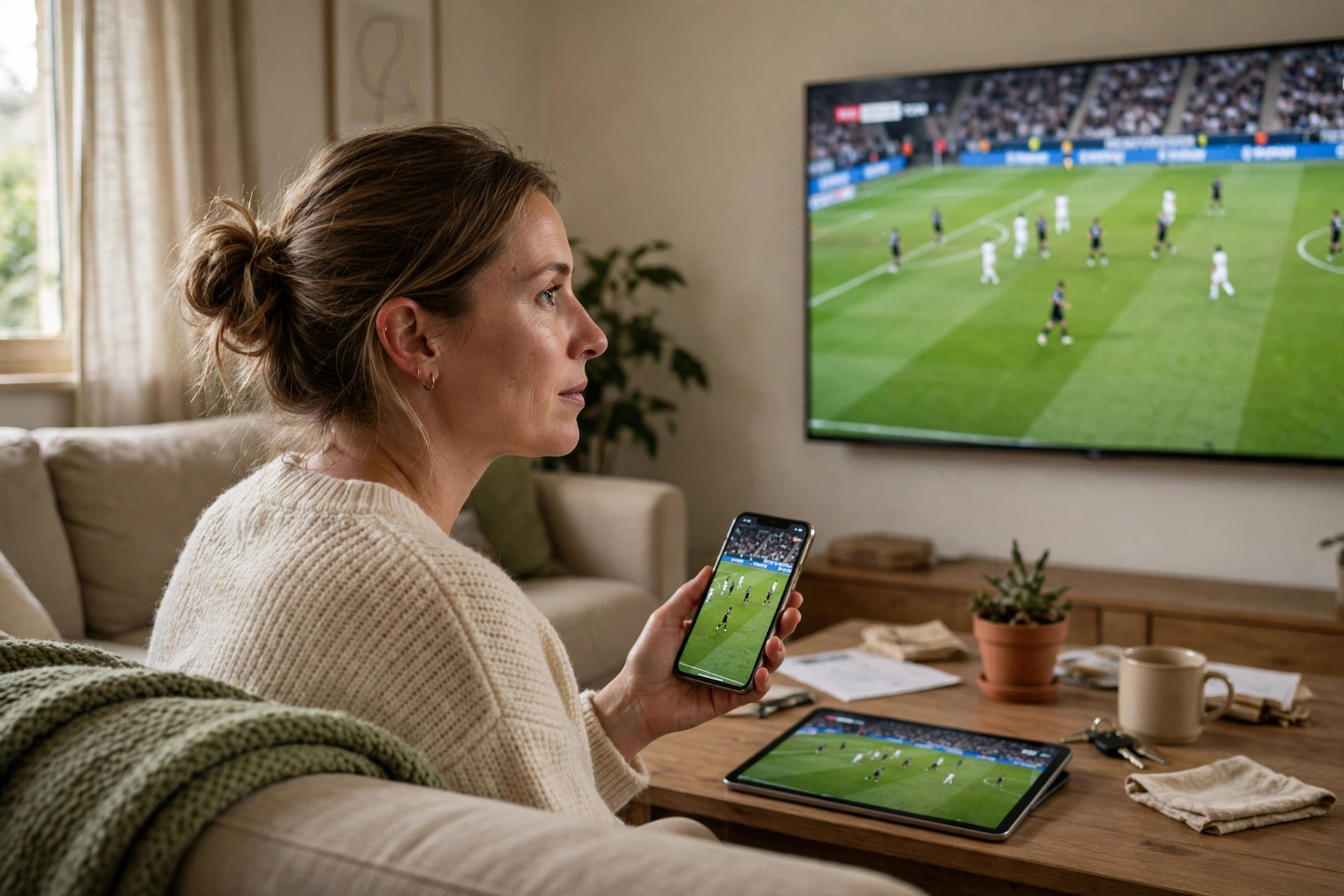
This is where the two apps split hardest, and for many people it decides the whole comparison. TiviMate is an Android-only world: Android TV, Google TV, Amazon Fire TV and Android phones. That covers the Firestick, the Nvidia Shield, Chromecast with Google TV and most Android TV boxes — the devices most IPTV viewers in the UK actually use. But it does not run on iPhones, iPads, Apple TV, Samsung TVs, LG TVs, Windows or Mac. If your main television is a Samsung smart TV with no Firestick plugged in, TiviMate simply is not an option.
IPTV Smarters Pro runs on almost everything. There is a version in the Samsung and LG app stores, an iOS and tvOS app, a Windows and macOS build, and of course Android and Fire TV. If your household is a mix — a Samsung TV in the living room, an iPad in the kitchen, a Windows laptop in the bedroom — Smarters Pro is the only one of the two that covers all of them with the same login.
Interface and programme guide
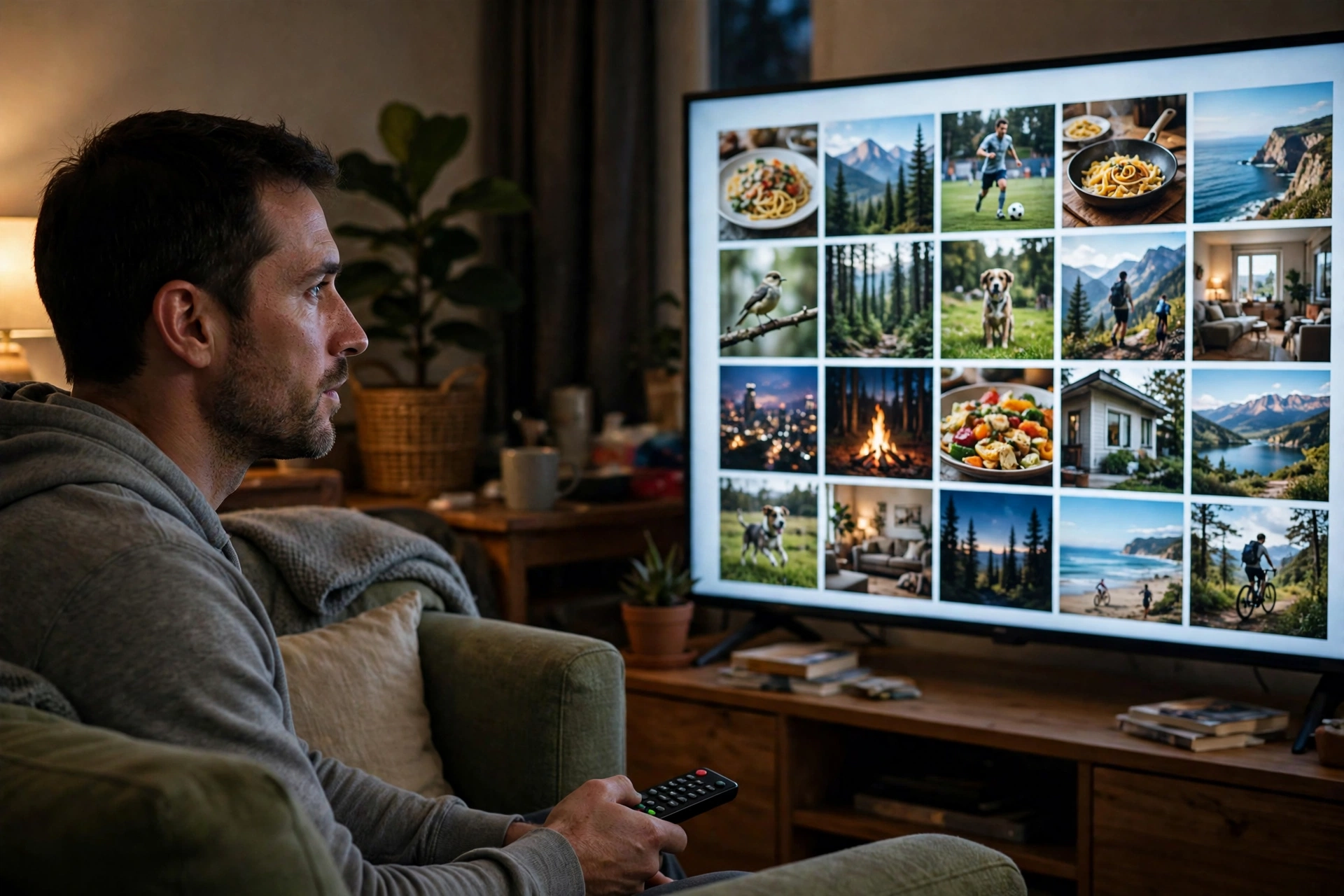
TiviMate wins this round, and it is not particularly close. Its interface was designed for a television and a remote, and it shows. The programme guide is a full-screen grid with smooth scrolling, clear channel logos and now-and-next information that is easy to read from the sofa. Switching channels is fast, the layout is customisable, and the whole thing feels like a premium set-top box rather than a phone app stretched across a TV.
IPTV Smarters Pro has a perfectly good guide — list and grid views, automatic loading from Xtream Codes, and all the information you need. But it feels more functional than beautiful. It was built to work everywhere, and that generality shows on a big screen: menus are busier, and navigating with a remote takes a little more patience. That said, "less pretty" is not the same as "hard to use". It matters most if you love channel surfing — scrolling the guide at 7pm deciding what to watch. That is where TiviMate earns its money.
Playlists, favourites and recording
A playlist is the list of channels your provider gives you. Some people have one. Plenty of households have two — perhaps a main subscription and a backup, or one for sport and one for everything else. TiviMate's free version allows one playlist only. If you want a second, you need Premium. The same goes for favourites management, recording and catch-up. Premium also unlocks backup and restore, so you can move your setup to a new device without starting from scratch.
Multi-screen, catch-up and setup

Watching two matches at once is a niche need until the day you actually need it. TiviMate Premium includes a multi-view mode on supported devices. IPTV Smarters Pro goes further on Android, with a multi-screen mode showing up to four streams at once. Each stream counts as a connection against your subscription, so check how many connections your plan includes first. Catch-up TV is available in both apps, but the paywall differs: in TiviMate it is a Premium feature, while in Smarters Pro it is included free, wherever your provider supports it.
Setup takes about five minutes in either app: install it, choose Xtream Codes API login, and enter the server address, username and password your provider sends you. Your channels, films, series and programme guide then load automatically. TiviMate has one extra step that confuses first-timers — buying Premium means installing the separate TiviMate Companion app on an Android phone, because you cannot purchase inside TiviMate on the TV. Our step-by-step IPTV Smarters Pro setup guide walks through the whole process for Firestick, Android and smart TV.
One honest warning applies to both apps: neither one will fix a bad subscription. If channels freeze, the guide is empty or login fails, the problem is almost always the service, not the player.
Which app should you choose?
Choose TiviMate if you watch on a Firestick or Android TV, you value the best programme guide and the smoothest remote experience, and you are happy to pay around $10 a year for Premium. It is the best pure TV experience of the two, and the lifetime licence is good value if you settle in for the long term.
Choose IPTV Smarters Pro if you want a free app, you watch on Apple TV, iPhone, Samsung or LG TV, Windows or Mac, or you need multiple playlists without paying for a player. It is also the right pick if you want four-screen multi-view on Android, or if you simply do not want another subscription in your life.
Using either app with Streampia
Whichever player you pick, setup with Streampia is the same. Choose a plan on our pricing page — 1 month at £11.99, 3 months at £29.99, 6 months at £63.99, or 12 months at £95.99 — and you will receive Xtream Codes login details that work in both TiviMate and IPTV Smarters Pro, as well as in most other players. Your subscription includes 13,000+ live channels and 120,000+ films and series on demand, in up to 4K quality, with 99.9% uptime. To claim a free 24-hour trial, contact us on WhatsApp via streampia.com.
Frequently asked questions
Is TiviMate better than IPTV Smarters Pro?
It depends on your device. On a Firestick or Android TV, TiviMate has the better interface and programme guide, and most people who try Premium stay with it. On Apple TV, iPhone, Samsung or LG TV, Windows or Mac, TiviMate does not run at all.
Is TiviMate free?
TiviMate is free to download and use with one playlist and a basic TV guide. TiviMate Premium, which unlocks multiple playlists, favourites, catch-up, recording and multi-view, costs around $9.99 a year or about $33.99 as a one-time lifetime payment. You buy Premium through the separate TiviMate Companion app. Neither version includes channels.
Is IPTV Smarters Pro really free?
Yes. IPTV Smarters Pro is free to download and use, with no subscription and no core features locked behind a payment. The standard build shows ads in the menus, but you can use the app indefinitely at no cost. Like TiviMate, it is a player only — you need your own subscription.
Can I use TiviMate and Smarters Pro with the same subscription?
Yes. Both apps accept the same Xtream Codes login or M3U playlist from your provider, so you can install both, load the same details into each, and switch between them whenever you like. Just remember that watching on two apps at the same time uses two connections.
Which app is best for Firestick?
For most Firestick users, TiviMate Premium is the best overall experience, thanks to its TV-first interface, full-screen programme guide and smooth remote navigation. But IPTV Smarters Pro is an excellent free alternative on Firestick, with multiple playlists, catch-up and multiscreen included at no cost.
The bottom line
TiviMate and IPTV Smarters Pro are both excellent players, and the right one depends on your television, not on a spec sheet. TiviMate is the polished, TV-first choice for Firestick and Android TV, and its Premium licence is fairly priced for what it unlocks. Smarters Pro is the free, works-everywhere choice, and for households with mixed devices it is often the only one of the two that fits at all.
Try Streampia Free for 24 Hours
No card required — 13,000+ live channels and 120,000+ movies & shows in 4K.
Claim Free Trial on WhatsApp