The Champions League is the hardest competition in England to watch cheaply — not because there are no games on, but because the games are split. This season, 2026–27, the UK rights are shared between two services, and neither one shows everything on its own. Buy the wrong one and you miss the Tuesday first pick; buy both and you pay more than a Premier League season ticket's worth of streaming every month.
Matchday 5 has just finished — Tuesday 24 and Wednesday 25 November 2026 — and the next round is not far away: Matchday 6 lands on Tuesday 8 and Wednesday 9 December. That makes now the right time to sort out how you will watch the rest of the season, before the knockout rounds start and the prices matter even more.
This guide lays out who shows what, what each route actually costs, and how to test a setup properly before you commit — including what to check on a free trial, so a blank guide or a buffering stream does not ruin a big night.
Who shows the Champions League in the UK this season
There are only two legal homes for live Champions League football in the UK in 2026–27.
TNT Sports shows 172 of the 189 matches, including the final. That is every Wednesday game and most Tuesday games. Since 26 March 2026, TNT Sports streams through HBO Max in the UK — discovery+ is no longer its streaming home. You can also get TNT Sports through Sky, BT/EE and Virgin Media, but the standalone streaming route is HBO Max.
Amazon Prime Video shows the other 17 matches — one per round, the first pick of the Tuesday evening games, usually the most attractive fixture, kicking off at 8pm. Prime announces its pick a few days before each matchday, so nobody can give you the full list for the season in advance.
That split is the whole story. If you only watch your own club and they usually play on Wednesdays, TNT alone covers you. If you want every game, including the Tuesday first pick, you need both.
One more thing worth knowing before you sign a 12-month deal: this is TNT Sports' last season as the primary UK home of European football. From 2027–28, Paramount takes most of the UK Champions League rights. A 12-month TNT plan bought now still covers the rest of this season, but do not buy it assuming next season looks the same.
What it costs — the honest maths
| Route | What you get | Monthly cost | Contract |
| TNT Sports on HBO Max, rolling | 172 matches, incl. final | £30.99 | None — cancel anytime |
| TNT Sports on HBO Max, 12-month plan | 172 matches, incl. final | £25.99 | 12 months |
| Amazon Prime (Prime Video) | 17 matches — Tuesday first picks | £8.99 (£95 a year) | None |
| Both, cheapest way | All 189 matches | £34.98 | TNT on 12-month plan + Prime monthly |
| Both, no commitment | All 189 matches | £39.98 | Rolling TNT + Prime monthly |
Prices checked 29 November 2026 and can change — confirm on HBO Max and Amazon before you sign up. The £34.98 figure is simply £25.99 plus £8.99: the 12-month TNT saver plus a monthly Prime membership. The rolling route costs £5 more a month but lets you cancel when the season ends, which is the better deal if you only care about the Champions League and not the rest of TNT's sport.
Reported alternatives exist — TNT through a BT Broadband, EE TV or Sky contract is often quoted from around £23 a month, and Virgin Media bundles include it from higher package prices — but those prices depend on what broadband or TV package you already have, so treat them as a prompt to check your own provider, not as a price you can count on.
Matchday 5: what just happened
Matchday 5 was played on Tuesday 24 and Wednesday 25 November 2026. The headline results:
- Tuesday: Arsenal 1–1 Borussia Dortmund — the Amazon Prime Tuesday first pick, at 8pm. Manchester City 2–2 Napoli. Real Madrid 5–1 PSV Eindhoven. Galatasaray 1–0 Aston Villa. Leipzig 3–1 Lens.
- Wednesday: Club Brugge 0–3 Liverpool. Sporting CP 2–2 Manchester United. Paris Saint-Germain 2–2 Roma. Lille 2–1 Bayern München. Inter 2–0 Stuttgart. Barcelona 4–1 Sabah.
If you watched on Tuesday, the game most people wanted was on Prime, not TNT — which is exactly why the split catches people out. A TNT-only viewer saw City and Real Madrid; a Prime-only viewer saw Arsenal against Dortmund and nothing else that night.
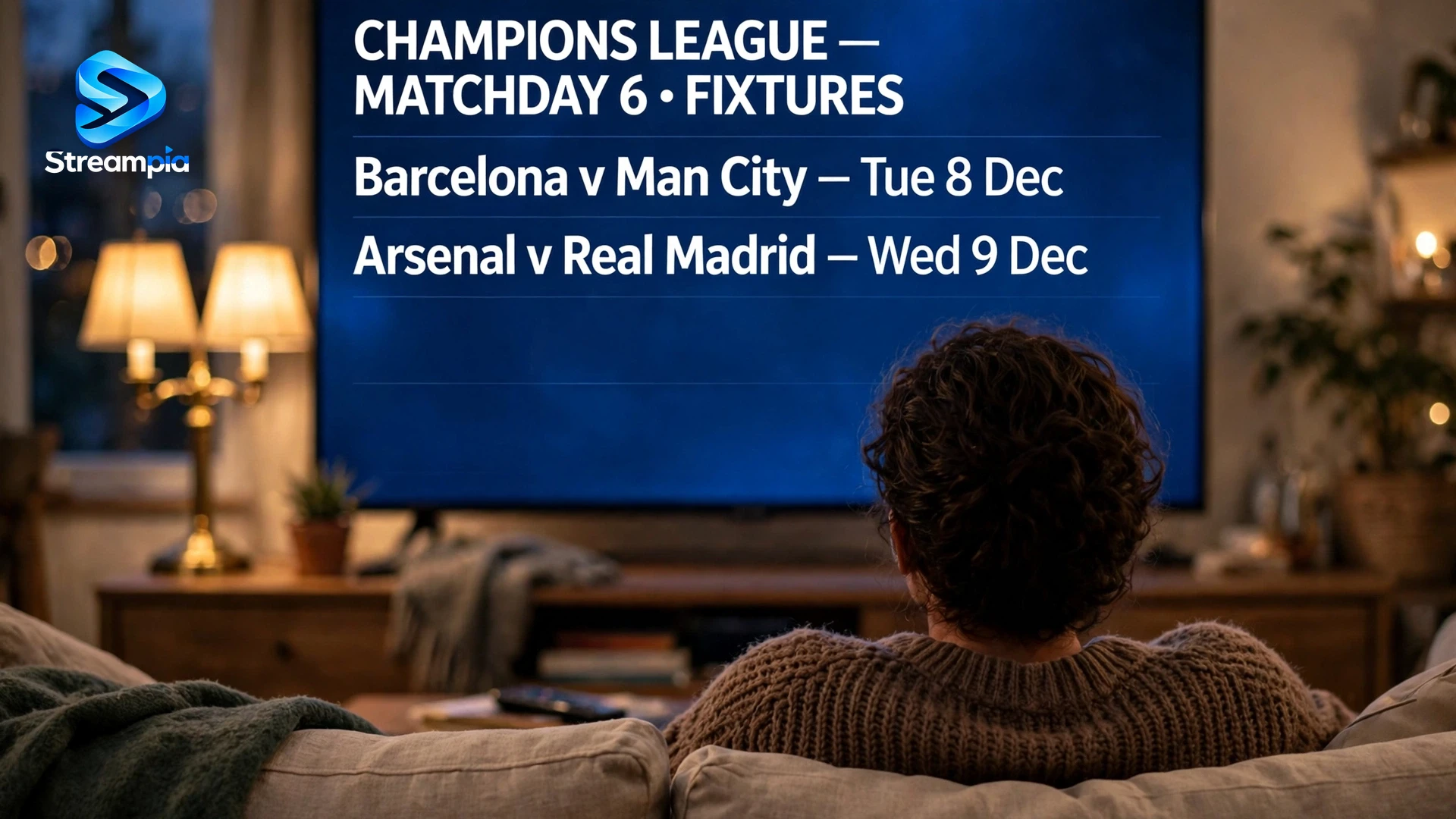
The next round, Matchday 6, is Tuesday 8 and Wednesday 9 December 2026. The early headline fixture is Barcelona v Manchester City on Tuesday 8 December, listed for Amazon Prime Video at 8pm. Check the listings in the Prime Video and HBO Max apps a few days before, because Prime and TNT confirm their picks close to each matchday.
What "best" actually means for Champions League nights
"Best" is not the service with the most matches — it is the setup that does not fail at 8pm on a Tuesday. Champions League nights are the worst time to discover a problem: every game kicks off at the same time, the guide is full, and a stream that buffers once will buffer all night.
Judge any setup on these four things, in this order:
- Does it carry both homes, or at least the one you need? If you only buy TNT, say so honestly to yourself: you will miss the Tuesday first pick every round. If that pick is usually your club, TNT alone is not enough. Our guide to the best IPTV for sports in the UK covers the same split for the Premier League, where the rights are divided differently again.
- Is the guide right on the night? The Champions League guide is where bad setups show first. With 18 games across two nights, a guide that is an hour out, or blank for half the channels, turns channel-hopping into guesswork. Check the guide the day before a matchday, not five minutes before kick-off. If it is blank, our EPG troubleshooting guide walks through the fix order — playlist refresh, EPG refresh, restart, then clock and time zone — and if the guide works on one player but not another, the fault is in the second player's settings, not the subscription.
- Does the picture hold when everyone watches at once? A stream that is fine for a Saturday afternoon can struggle at 8pm on a Champions League night, when demand peaks. Test on a match night, not a quiet afternoon. If it buffers, work through the buffering fixes — wired connection first, then the player's cache, then the device — before blaming the provider. Our IPTV buffering fix guide covers that order.
- Can you find the game in seconds? On a night with nine games at 8pm, you need the channel list, the guide and the kick-off time to agree. If you are scrolling through hundreds of channels with no guide, you will miss kick-off. That is a setup problem, and it is fixable before the next round.
How to test a provider before a big night
Do not test a new service on a Champions League night. Test it the week before, on a matchday if you can, and check exactly the things that matter that night:
- Open the TNT Sports channels and the Prime Video app on the same device you will use on the night. If one of them is missing, slow or in the wrong place, fix it now.
- Open the guide for a Tuesday 8pm slot and check it shows the right match on the right channel. A guide that is blank or an hour out on a quiet day will be worse on matchday.
- Watch a live match for a full half, not five minutes. Buffering that only appears after 20 minutes is the kind that ruins a second half.
- Try switching between two games at half-time. If switching takes 30 seconds each time, you will not be channel-hopping on the night.
A free 24-hour trial exists for exactly this kind of test. Use it on a matchday, check the guide, the channels and the picture quality, and message support on WhatsApp with your device, your player and the channel names if anything does not load. A guide that is blank on day one of a trial is worth raising on day one, not after you have paid for a year. Streampia's plans are 1 month (£11.99), 3 months (£29.99), 6 months (£63.99) and 12 months (£95.99), all with one connection — so a second stream while recording, or watching on two screens at once, is not part of the plan.
TNT vs Prime: which one if you only buy one?
Buy TNT Sports first if: you watch the Champions League most weeks, you follow a club that usually plays on Wednesdays, or you also want the Europa League, the FA Cup and TNT's 52 Premier League games. It is 172 of 189 matches — the bulk of the competition, including the final.
Buy Prime first if: you only watch the biggest game of each round, you already pay for Prime for delivery, and you are happy missing most Tuesday and all Wednesday games. At £8.99 a month it is the cheapest way in, but it is 17 games out of 189 — do not buy it expecting full coverage.
Buy both if: you want every game, and the £34.98 a month (£25.99 TNT saver plus £8.99 Prime) is worth it to you for the rest of this season. Remember the rights change next season, so weigh the 12-month TNT commitment against the rolling £30.99 option — the rolling plan costs £5 more a month and lets you walk away when the season ends.
If you are choosing between the big pay-TV bundles instead, our IPTV vs Sky Stream and IPTV vs NOW TV guides compare the same maths for the Premier League, where the split and the prices are different again.
When to watch, and what to check before kick-off
Kick-offs are 5:45pm for the early games and 8pm for the main games, UK time. On Matchday 6, Tuesday 8 December, the early games start at 5:45pm and the main games — including Barcelona v Manchester City on Prime — at 8pm.
The night before a matchday, run this five-minute check: the guide shows tomorrow's fixtures; the TNT Sports channels open; the Prime Video app opens and shows the Tuesday pick; your device clock and time zone are set to automatic. If any of those four fails, fix it the night before — not at 7:55pm.
FAQs
Who shows the Champions League in the UK in 2026–27?
TNT Sports shows 172 of the 189 matches, including the final, streaming via HBO Max. Amazon Prime Video shows the other 17 — the first pick of the Tuesday 8pm games, one per round.
How much does it cost to watch every Champions League game?
£34.98 a month at the cheapest: TNT Sports on HBO Max at £25.99 a month on a 12-month plan, plus Amazon Prime at £8.99 a month. Rolling TNT at £30.99 a month takes the total to £39.98, with no commitment. Prices checked 29 November 2026.
Can I watch the Champions League with Prime Video alone?
Only 17 matches — the Tuesday first pick each round. You would miss every Wednesday game and most Tuesday games. Prime is the cheapest way in at £8.99 a month, but it is not full coverage.
When is the next Champions League matchday?
Matchday 6 is Tuesday 8 and Wednesday 9 December 2026. The headline fixture listed so far is Barcelona v Manchester City on Tuesday 8 December at 8pm, on Amazon Prime Video. Prime and TNT confirm their picks a few days before each matchday.
Why is my Champions League guide blank on match night?
The guide and the channels are separate — the guide is a file your player downloads and matches to channels. If it is blank, refresh the playlist, then refresh the EPG, restart the player, and check your device clock and time zone. If it works on one player but not another, the fault is in the second player's settings.
Try Streampia Free for 24 Hours
No card required — 13,000+ live channels and 120,000+ movies & shows in 4K.
Claim Free Trial on WhatsApp