7 Best IPTV Apps in 2026 (Compared by Device, Price & Features)
Picking an IPTV service is only half the job. The other half is the app you watch it in — the wrong player can make even a great service feel slow and confusing, while the right one gives you a smooth, TV-like experience with a proper programme guide and catch-up.
This guide compares the 7 best IPTV apps of 2026 by what they cost, which devices they run on, and who each one suits best. App prices are 2026 figures and vary by region — confirm the current figure inside the app before you pay.
First, an Important Truth: Apps Don't Include Channels
Every app in this guide is a player, not a service — none comes with channels, films or sport built in. You install the player, then add a login from an IPTV provider — usually an Xtream Codes login or an M3U playlist link.
That distinction matters. If an app promises "free channels included", be suspicious. Your player and your provider are also separate purchases: the app might be free while the subscription costs money, or the other way round.
With Streampia, your login works in any player below. You get 13,000+ live channels and 120,000+ movies and series on demand, in up to 4K, with 99.9% uptime. Plans: £11.99 for 1 month, £29.99 for 3 months, £63.99 for 6 months, £95.99 for 12 months — every plan starts with a free 24-hour trial, no card required. See the full options on our pricing page.
The 7 Best IPTV Apps at a Glance
| App | Best for | Devices | Price (approx.) |
| TiviMate | Power users on Android TV & Firestick | Android TV, Fire TV, Google TV, Android | Free; Premium ~$9.99/year or ~$33.99 lifetime |
| IPTV Smarters Pro | Most people, first setup | Android, Fire TV, iOS, Windows, Mac, Smart TV | Free |
| IBO Player Pro | Samsung & LG smart TVs | Samsung, LG, Android, Apple TV, Fire TV | ~£4.50 / €5 / $6 one-time per device |
| GSE Smart IPTV | iPhone, iPad & Apple TV | iOS, Apple TV, Android | Free; small one-time upgrade to remove ads |
| Smart IPTV (SIPTV) | Older Samsung & LG TVs | Samsung, LG | ~€5.49 one-time per TV |
| XCIPTV Player | Simple setup, provider-friendly | Android, Fire TV | Free |
| Flix IPTV | Clean interface on smart TVs | Samsung, LG, Android, Fire TV | Small annual fee per device |
1. TiviMate — Best for Power Users on Android TV and Firestick
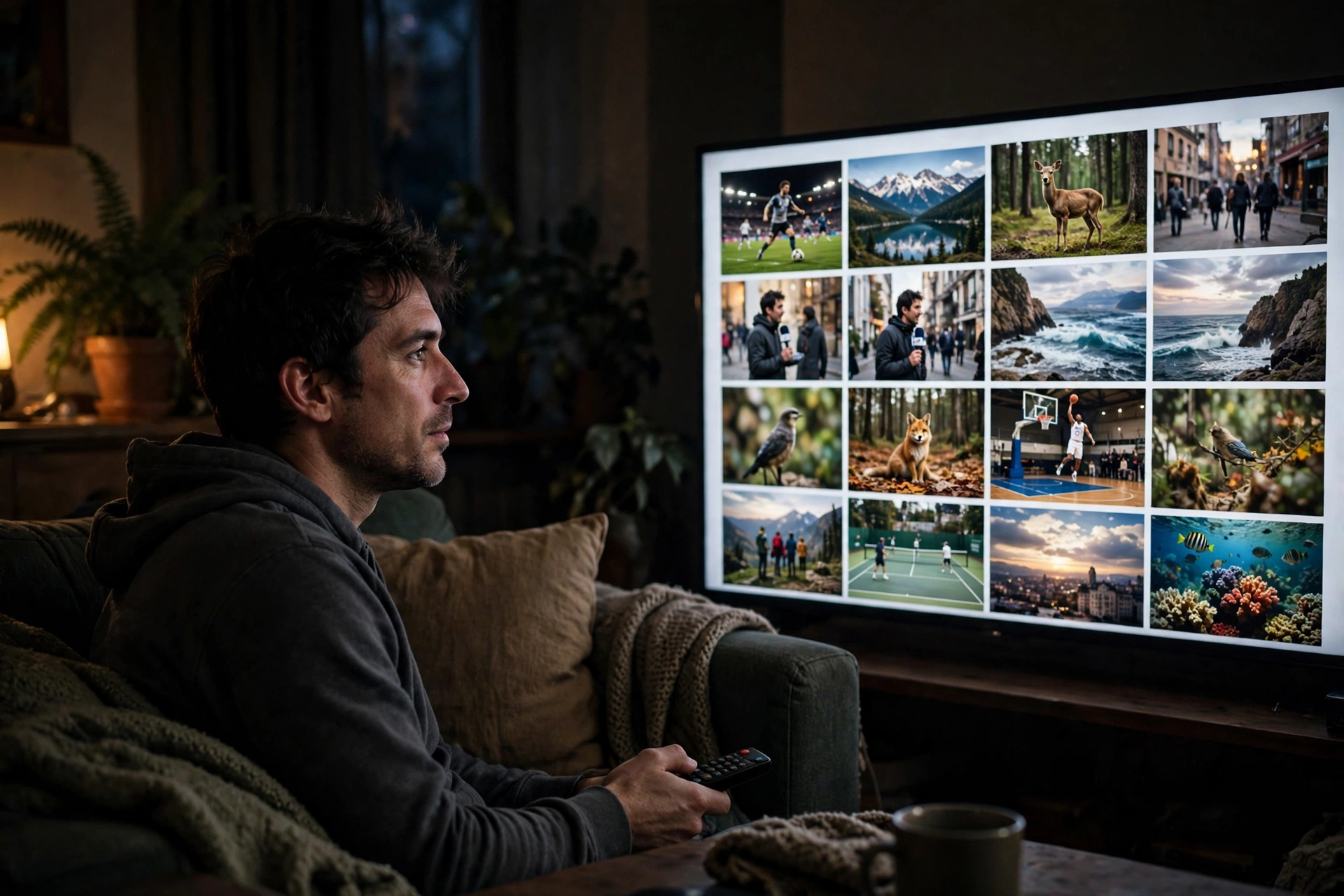
TiviMate is the player enthusiasts recommend first. Its programme guide is the best in this list: a dense, fast grid you can search, set reminders on, and scroll days ahead. Premium adds recording, multi-view (several channels on screen at once), catch-up TV, multiple playlists and cloud backup.
The catch is the platform: TiviMate runs only on Android — Android TV, Google TV, Fire TV and Android phones. There is no iPhone, iPad, Apple TV or Samsung/LG version, and the free version is limited to one playlist.
Price: the base app is free. Premium costs around $9.99 a year or about $33.99 for a lifetime licence, covering up to 5 devices. You buy it through the separate TiviMate Companion app on your phone, not inside the player itself.
Choose TiviMate if: you watch on a Firestick or Android TV and want the best guide, recording and multi-view.
2. IPTV Smarters Pro — Best Free All-Rounder

IPTV Smarters Pro is the most widely installed IPTV player in the world — free, and working almost everywhere: Android, Fire TV, iPhone, iPad, Windows, Mac, LG and Samsung smart TVs. It supports Xtream Codes logins and M3U playlists, with a clean grid guide, EPG, catch-up and multi-screen viewing.
Setup is the easiest here. Open the app, choose "Login with Xtream Codes API", enter the username, password and server URL your provider sends you, and your channels and guide load in a couple of minutes. It is the app we recommend to most new Streampia customers — nothing to pay, and it works the same way on a phone as on a TV.
Price: free on most platforms.
Choose IPTV Smarters Pro if: you want one free app across all your devices.
3. IBO Player Pro — Best for Samsung and LG Smart TVs
If your TV is a Samsung or LG and you do not want a Firestick hanging off the back of it, IBO Player Pro is the app to look at. It runs on Samsung Tizen, LG webOS, Apple TV, Android TV and Fire TV — the broadest platform coverage in this comparison — and it is built for remote-control navigation.
Setup works differently: the app shows you a MAC address and device key, which you (or your provider) activate on the IBO website. Then your playlist loads. After a 7-day free trial, activation costs roughly £4.50 / €5 / $6 as a one-time payment per device — no subscription.
Price: 7-day free trial, then a one-time fee of about £4.50 per device.
Choose IBO Player Pro if: you watch on a Samsung or LG smart TV and want an app made for that TV.
4. GSE Smart IPTV — Best for iPhone, iPad and Apple TV
Apple users have fewer good options than Android users, and GSE Smart IPTV is the strongest of them. It runs on iPhone, iPad, Apple TV and Android, supports Xtream Codes, M3U and many other playlist formats, and handles 4K reliably.
The interface looks dated, and the free version shows adverts — a small one-time upgrade (around €2.99) removes them. Even so, it is the most flexible player on Apple hardware.
Price: free with adverts; one-time upgrade to remove ads.
Choose GSE Smart IPTV if: you watch on Apple devices.
5. Smart IPTV (SIPTV) — Best for Older Samsung and LG TVs
Smart IPTV — usually called SIPTV — is the old classic of the smart TV world. It comes pre-installed on many Samsung and LG sets from 2018 onwards, so a lot of people already have it without knowing. It loads an M3U playlist from the SIPTV website using your TV's MAC address, and then it just works.
That simplicity is both the point and the limit: no catch-up, no recording, no multi-view and no Xtream Codes login — M3U only. But if your TV already has SIPTV, it is hard to argue with an app that is already there.
Price: a one-time activation of about €5.49 per TV, after a short free trial.
Choose Smart IPTV if: your Samsung or LG TV already has it installed.
6. XCIPTV Player — Best Simple Setup on Android
XCIPTV Player is a free Android player that a lot of providers recommend because it is genuinely easy: install it, enter your Xtream Codes login, and you are watching. It has a modern interface, a built-in EPG, catch-up, favourites and multi-screen support.
It is Android-only, so it is not an option for Samsung, LG or Apple hardware. But as a free, no-fuss player on a Firestick, it is a great starting point.
Price: free.
Choose XCIPTV Player if: you want a free, modern player on Android or Firestick.
7. Flix IPTV — Best Clean Interface on Smart TVs
Flix IPTV is a newer player that has grown quickly on Samsung and LG TVs, where it competes directly with IBO Player. Its interface is clean and fast, with a good guide, favourites and multi-language support, and it works well with a standard TV remote.
Activation works like IBO's: the app gives you a MAC address, you activate it on the Flix website, and your playlist loads. It costs a small annual fee per device after a free trial — check the current figure on the Flix website before you pay. If you try IBO and do not like the feel of it, Flix is the closest alternative on a smart TV.
Price: small annual fee per device after a free trial.
Choose Flix IPTV if: you want a clean, modern interface on a Samsung or LG TV.
Which IPTV App Should You Choose?
It depends on your device:
- Firestick or Android TV: TiviMate for every feature; Smarters Pro or XCIPTV for free and simple.
- Samsung or LG smart TV: IBO Player Pro first, Flix IPTV as the alternative.
- iPhone, iPad or Apple TV: GSE Smart IPTV, or IBO Player Pro on Apple TV.
- Windows or Mac: IPTV Smarters Pro.
- Several different devices: IPTV Smarters Pro — the same app and login work everywhere.
You do not have to marry one app: your Streampia login works in all of them, so try the free ones for an evening each and keep the one that feels right. That is what the free 24-hour trial is for. Start your trial by contacting us on WhatsApp via streampia.com.
How to Set Up Any of These Apps with Streampia
The steps are nearly identical for every player:
- Install the app from your device's app store — or sideload it with the Downloader app on a Firestick, if it is not listed.
- Open the app and choose "Login with Xtream Codes API" (or "Add Playlist" for M3U).
- Enter the username, password and server URL from your Streampia welcome message.
- Wait a minute while your channels and guide load.
If the guide looks empty at first, give it a few minutes — the EPG loads after the channel list. If anything fails at the login step, double-check the server URL character by character.
Frequently Asked Questions
What is the best IPTV app in 2026?
It depends on your device. TiviMate is best on Android TV and Firestick, Smarters Pro is the best free all-rounder, IBO Player Pro is best for Samsung and LG TVs, and GSE Smart IPTV is best on iPhone and Apple TV.
Are IPTV apps free?
Most are free or have a usable free version. IPTV Smarters Pro and XCIPTV Player are free. TiviMate is free with a paid Premium upgrade (about $9.99 a year or $33.99 lifetime). IBO Player, Smart IPTV and Flix IPTV charge a small one-time or annual fee per device. The app is separate from your subscription — you still need a provider login to watch anything.
Do IPTV apps come with channels?
No. IPTV apps are players only — they display a playlist or login that you supply. You need an IPTV subscription, such as Streampia, and you add its Xtream Codes login or M3U link to the app. Any app that claims to include free channels should be treated with suspicion.
Which IPTV app works on Firestick?
TiviMate, IPTV Smarters Pro, XCIPTV Player and IBO Player Pro all work well on a Firestick. TiviMate has the richest features; Smarters Pro and XCIPTV are free and simpler. Some apps are not in the Amazon Appstore — install those with the free Downloader app instead.
Is TiviMate better than IPTV Smarters Pro?
TiviMate has the better guide, recording and multi-view, so power users prefer it — but it is Android-only and its best features need Premium. Smarters Pro is free, runs on almost every device, and is easier to set up.
The Bottom Line
The best IPTV app is the one that fits your TV, not the one with the longest feature list. Start free — Smarters Pro or XCIPTV on a Firestick, IBO's trial on a smart TV, GSE on an iPhone — and only pay for an upgrade once you know you will use it.
Whatever you choose, the service behind it matters more than the player. Streampia gives you 13,000+ live channels, 120,000+ movies and series, up to 4K quality and 99.9% uptime, with plans from £11.99 a month and a free 24-hour trial, no card required. Try it free today — contact us on WhatsApp via streampia.com.
Try Streampia Free for 24 Hours
No card required — 13,000+ live channels and 120,000+ movies & shows in 4K.
Claim Free Trial on WhatsApp